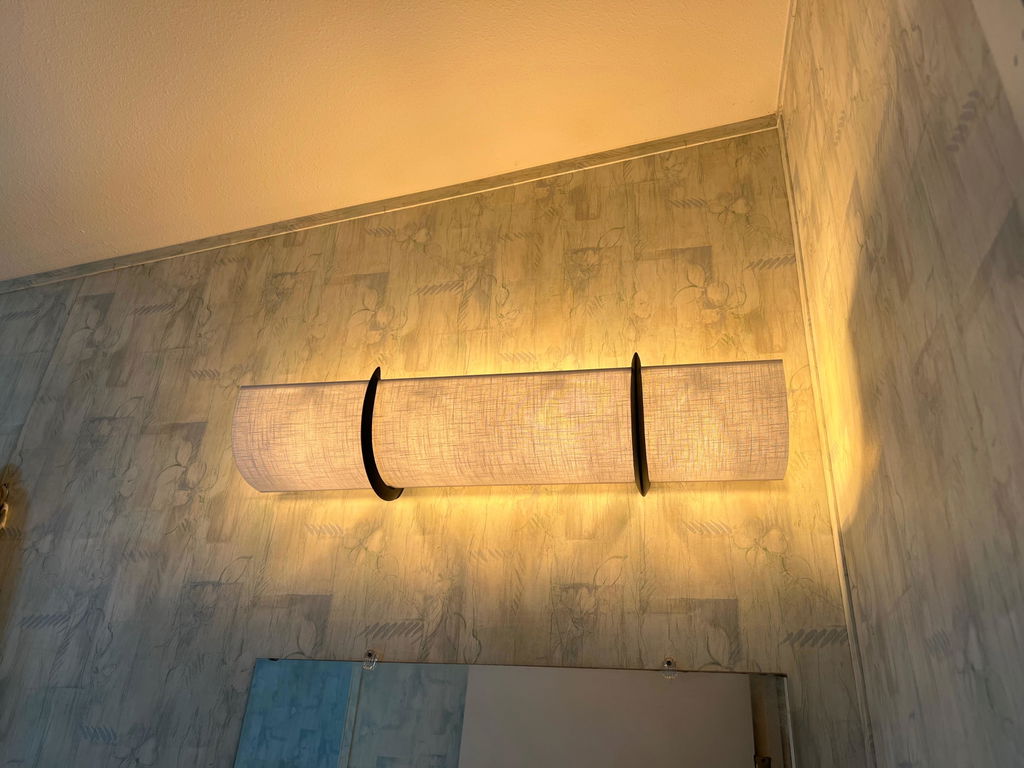
Need to measure your bathroom vanity light but can’t find a tape measure? Your phone may already have one!
On an iPhone:
- Open the Measure app. (Try searching “Measure” if you don’t see it.)
- Slowly move your phone around so the camera can recognize the area.
- Point the center dot at one end of your light fixture and tap the + button.
- Slowly move your phone across to the other end of the fixture.
- Tap + again. Your approximate measurement will appear on the screen.
- Take a screenshot or photo of the measurement so you don’t forget it.
Our best tip: Measure the actual light fixture from end to end—not the mirror, although it is great to measure the mirror after! Keep your phone as straight and steady as possible, and make sure both ends of the fixture are clearly visible.
Phone measurements are great for getting a quick idea of your size, but they are approximate. If not sure, email a photo to us first!
No tools to install EzLightWraps…and No Tool Measure Also! 😉